eMail Address Extractor 6.1.2 for MacOS
eMail Address Extractor 6.1.2 for MacOS Download

Email Address Extractor for Mac 6.1.2 is designed to automate the extraction of email addresses from various sources, such as websites, search engines, files, and URLs. It offers an intuitive interface and advanced extraction algorithms to deliver accurate and fast results.
Email extraction tools have become essential for businesses that rely on email marketing, lead generation, and data collection. Manually gathering email addresses from websites, documents, or online directories can be slow and inefficient. Therefore, using reliable email extraction software for Mac can significantly improve productivity and accuracy.
Key Features of Email Address Extractor for Mac 6.1.2
One of the biggest advantages of this software is its comprehensive feature set. Below are the most important features that make Email Address Extractor for Mac a powerful solution.
Email Extraction from Websites
The software allows users to extract email addresses directly from websites. Simply enter the URL, and the tool will scan the web pages to efficiently collect visible email addresses.
- Extract emails from one or multiple URLs
- Automatically crawl entire websites
- Fast scanning engine for quick results
This feature is especially useful for marketing professionals and researchers who need to gather contact information from online sources.
Search Engine-Based Extraction
Another powerful feature is its ability to extract email addresses using search engines. By entering relevant keywords, the software searches online and retrieves email addresses related to those keywords.
This feature helps with:
- Generating targeted leads
- Collecting contacts for specific market niches
- Expanding business reach
As a result, users can collect high-quality leads based on industry-specific queries.
File-based email extraction
eMail Address Extractor for Mac 6.1.2 allows you to extract email addresses from various file formats, including:
- TXT files
- CSV files
- HTML files
- Other document types
This allows users to efficiently process large amounts of data and extract emails from stored documents without manual scanning.
Advanced filtering options
To ensure data accuracy, the software includes advanced filtering features. Users can:
- Remove duplicate email addresses
- Filter emails by domain
- Exclude unwanted keywords
- Remove invalid or incomplete addresses
As a result, the final output is clean, organized, and ready to use.
Export and Saving Options
Once the extraction process is complete, users can export email lists in various formats, such as:
- CSV
- TXT
- Excel-compatible formats
This flexibility facilitates the integration of extracted data into email marketing platforms or CRM systems.
Intuitive Interface
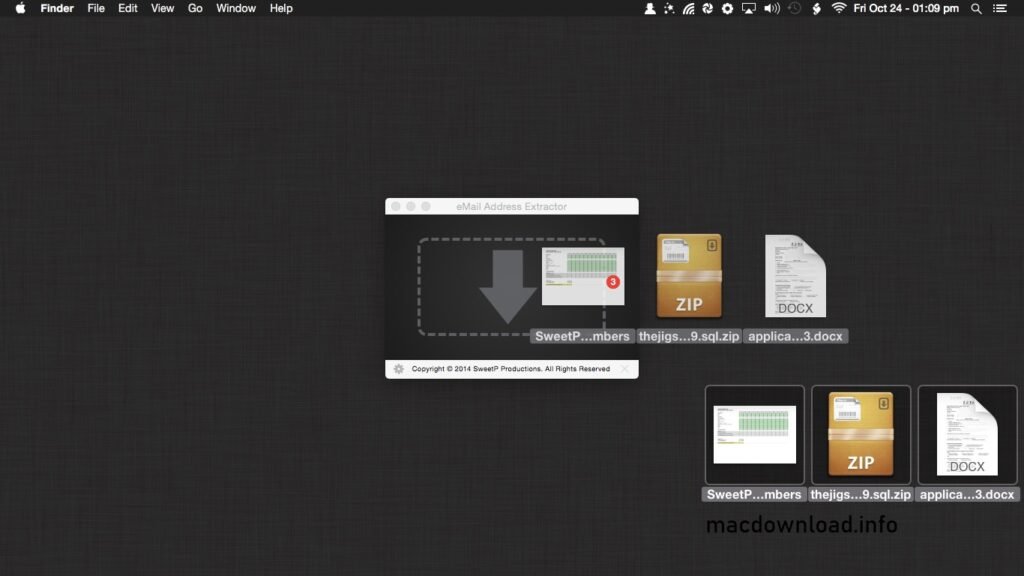
- Despite its advanced features, the tool maintains a clear and intuitive interface. Even beginners can navigate its functions without needing technical knowledge. Clear instructions and simple controls enhance the overall user experience.
High-Speed Processing Engine
- Version 6.1.2 includes performance optimizations that significantly improve extraction speed. The improved scanning engine reduces waiting time and increases productivity, especially during high-volume operations.
What’s New in Version 6.1.2
The latest version, Email Address Extractor for Mac 6.1.2, includes several improvements over previous versions.
Faster Extraction Speed
- The developers have optimized the scanning algorithm to improve performance. As a result, users can extract email addresses faster than before, especially when processing large datasets.
Improved macOS Compatibility
- Version 6.1.2 ensures better compatibility with recent macOS updates. This reduces software crashes and improves overall stability.
Improved Duplicate Removal System
- The updated duplicate detection system ensures cleaner data output. It automatically removes repeated email addresses, saving time and effort compared to manual filtering.
Improved User Interface
- The interface has been slightly redesigned to improve usability. Buttons, menus, and options are now more clearly organized, making navigation easier.
Bug fixes and stability improvements
- Several minor bugs from previous versions have been fixed. In addition, memory management has been optimized to ensure smoother operation during long extraction sessions.
You Can Also Download: Xliff Editor 3.3.2 for Mac
System Requirements
For optimal performance, especially during bulk extraction, the following specifications are recommended:
- MacOS 11 (Big Sur) or later
- Intel or Apple Silicon multi-core processor
- 4 GB of RAM or more
- 500 MB of free disk space
- High-speed internet connection
Advantages and Disadvantages
Like any software, Email Address Extractor for Mac 6.1.2 has advantages and disadvantages. Understanding them can help you make an informed decision.
Advantages
- User-friendly interface, ideal for beginners
- Fast and efficient email extraction
- Multiple extraction methods (web, search engines, files)
- Advanced filtering and duplicate removal
- Flexible export options
- Optimized for modern macOS systems
Disadvantages
- Requires an internet connection for online extraction
- May experience slower performance on older Mac systems
- Does not have a built-in email validation or verification system
- Advanced features may require a learning curve for novice users
Conclusion
eMail Address Extractor for Mac 6.1.2 is a powerful and efficient tool designed to simplify the collection of email addresses from various sources. With increased speed, improved macOS compatibility, advanced filtering options, and an intuitive interface, it stands out as a reliable solution for both individuals and businesses.
Homepage:https://macdownload.info/