PowerShell 7.6.2 For MacOS Download

PowerShell 7.6.2 for macOS is a modern, cross-platform automation and scripting framework designed to help system administrators, developers, DevOps engineers, and IT professionals efficiently manage complex workflows across different operating systems. Unlike traditional shell environments, which primarily process plain text, PowerShell uses structured objects throughout the process, enabling users to create more advanced and reliable automation workflows.
PowerShell focuses on:
- Cross-platform scripting
- Systems administration
- Infrastructure management
- Productivity enhancement
Whether you’re a developer, cloud engineer, cybersecurity expert, systems administrator, or power user of macOS, PowerShell 7.6.2 offers one of the most powerful automation environments available for macOS.
Key features of PowerShell 7.6.2:
Cross-platform command-line environment
One of PowerShell’s greatest strengths is its cross-platform compatibility.
PowerShell runs on:
- macOS
- Windows
- Linux
This allows administrators and developers to use consistent scripting workflows across different operating systems and environments.
Cross-platform compatibility is especially valuable for:
- DevOps teams
- Cloud engineers
- Enterprise administrators
- Hybrid infrastructure environments
Powerful scripting language
PowerShell includes a highly advanced scripting language designed for automation and administration.
Users can:
- Automate repetitive tasks
- Create deployment scripts
- Manage infrastructure
- Process data
- Create custom tools
Integrate APIs
The scripting environment supports:
- Variables
- Functions
- Modules
- Loops
- Classes
- Error handling
- Object manipulation
This flexibility makes PowerShell suitable for both simple automation tasks and enterprise-level scripting workflows.
Object-Oriented Pipeline System
Unlike traditional shell environments that process plain text, PowerShell processes structured objects.
This object-oriented pipeline system enables:
- Reliable data transfer between commands
- Simplified filtering
- Clearer automation workflows
Advanced scripting logic
Users can manipulate:
- System processes
- Services
- Files
- APIs
- Cloud resources
- Configuration data
The object-oriented architecture is one of PowerShell’s key strengths.
Extensive Module Ecosystem
PowerShell supports thousands of modules that extend its functionality.
The most popular module categories include:
- Cloud Management
- Azure Management
- AWS Integration
- Docker Management
- Kubernetes Automation
- Database Management
Users can install modules to customize workflows for specific environments and tasks.
Remote Administration Capabilities
PowerShell supports remote administration capabilities for managing systems across networks.
Administrators can:
- Run commands remotely
- Manage cloud environments
- Configure infrastructure
- Monitor systems
- Automate deployments
This capability is especially useful in enterprise IT environments.
Integration with Cloud Platforms
PowerShell is widely used for cloud automation.
It integrates effectively with:
- Google Cloud
- Microsoft 365
- Exchange Online
What’s New in PowerShell 7.6.2?
Improved macOS Compatibility
PowerShell 7.6.2 continues to improve its compatibility with modern macOS environments.
Recent enhancements include:
- Optimization for Apple Silicon
- Improved Terminal Integration
- Enhanced macOS Security Compatibility
- Optimized Performance on Modern Hardware
These changes improve overall responsiveness and stability.
Optimized Performance
Version 7.6.2 introduces optimizations for:
- Faster startup
- Reduced memory consumption
- Optimized script execution
- Improved pipeline efficiency
These improvements enable smoother execution of complex automation workflows.
Updated .NET Integration
Recent releases improve compatibility with the latest .NET technologies.
Advantages:
- Improved application compatibility
- Optimized script performance
- Extended development capabilities
This strengthens PowerShell’s role in modern development and automation environments.
Improved error handling
PowerShell 7.6.2 improves:
- Exception handling
- Debug flow
- Error messages
- Logging capabilities
These improvements simplify script troubleshooting and maintenance.
Enhanced security
Recent updates improve:
- Credential management
- Authentication flow
- Secure module management
- Platform security integration
These improvements contribute to enhanced security for enterprise automation.
Stability and Bug Fixes
Version 7.6.2 also includes:
- Module compatibility fixes
- Pipeline stability improvements
- macOS-specific bug fixes
- Terminal display fixes
These changes improve overall reliability.
You may also Download: Autodesk Maya 2027.1 For MacOS
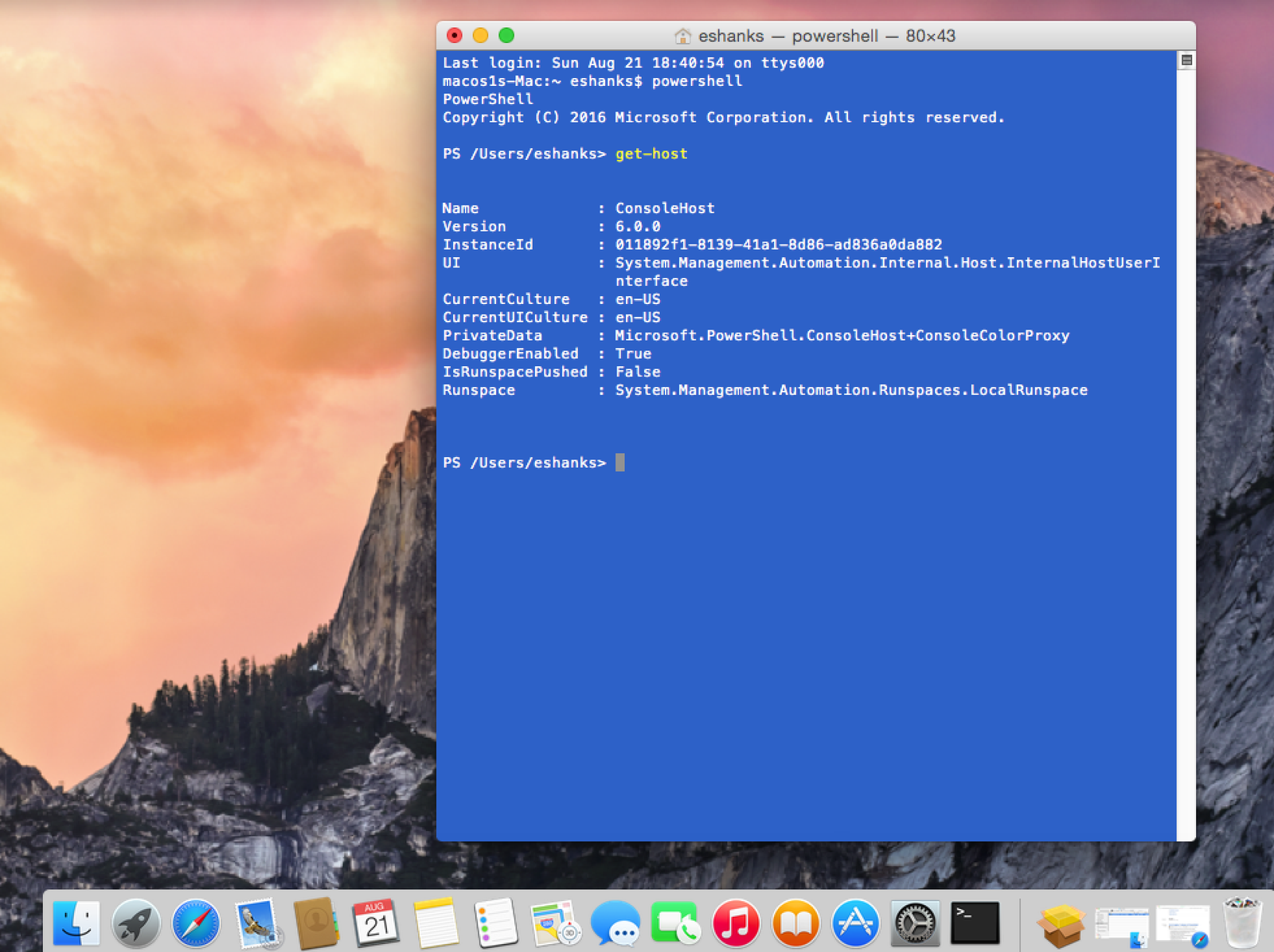
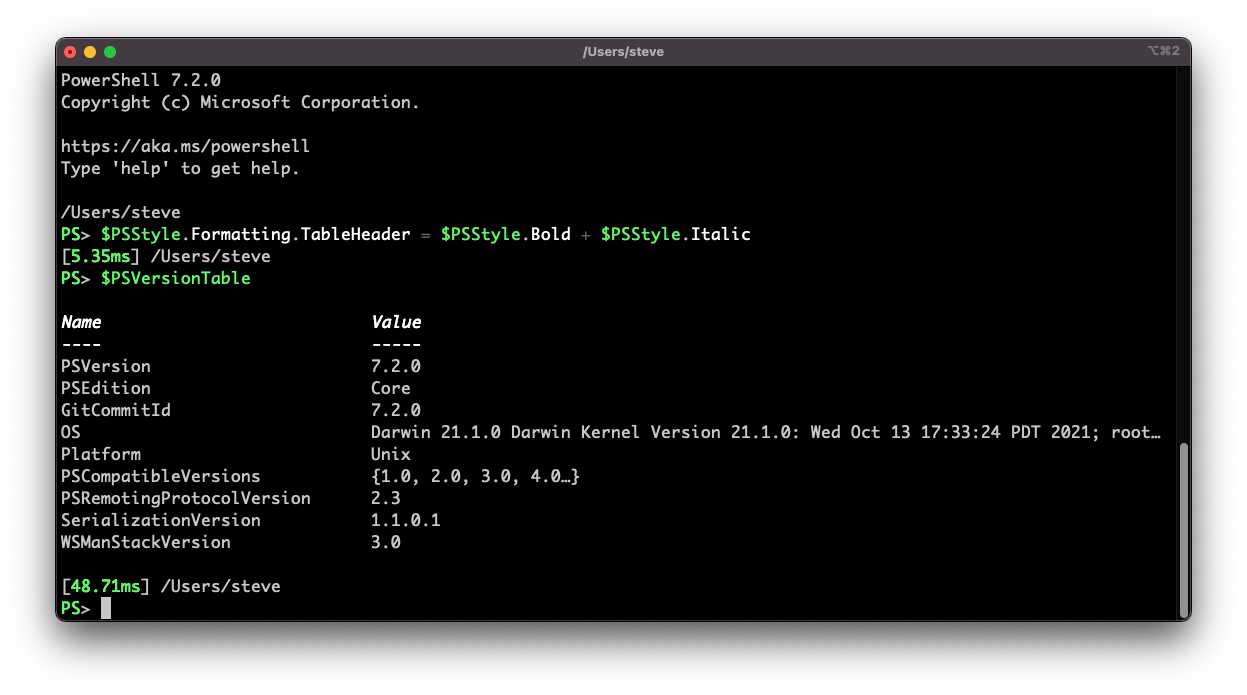
Screenshots:
System Requirements:
Minimum System Requirements
To run PowerShell 7.6.2 optimally on macOS, users must meet the following minimum system requirements:
- Operating System: macOS Monterey, macOS Ventura, macOS Sonoma
- Processor: 64-bit Intel or Apple Silicon processor
- RAM: 2 GB minimum
- Disk Space: Approximately 500 MB of free space
- Additional Requirements:Compatible terminal application
Recommended Configuration
For advanced automation workflows and complex scripting environments, the following configuration is recommended:
- Operating System: Latest supported version of macOS
- Processor: Apple M1, M2, M3, or later
- RAM: 8 GB or more
- Disk Space: SSD recommended
- Developer Tools: Modern terminal emulator recommended
Meeting the recommended configuration improves script execution and multitasking performance.
Advantages and Disadvantages of PowerShell 7.6.2:
Advantages
- Powerful automation features
- Object-oriented pipeline
- Extensive ecosystem of modules
- Open-source development
- Strong cloud integration
- Flexible and customizable
Disadvantages
- Some Windows-specific features persist.
- Some modules work better on Windows.
- Extended Command Naming Convention
- Use of External Modules for Certain Tasks
Conclusion:
PowerShell 7.6.2 for macOS is a powerful cross-platform automation and scripting framework designed for modern IT administration, cloud management, and DevOps workflows. With its advanced scripting capabilities, object-oriented pipelines, cloud integration, remote administration tools, extensive module support, and robust macOS compatibility, PowerShell remains one of the most powerful command-line automation environments available.